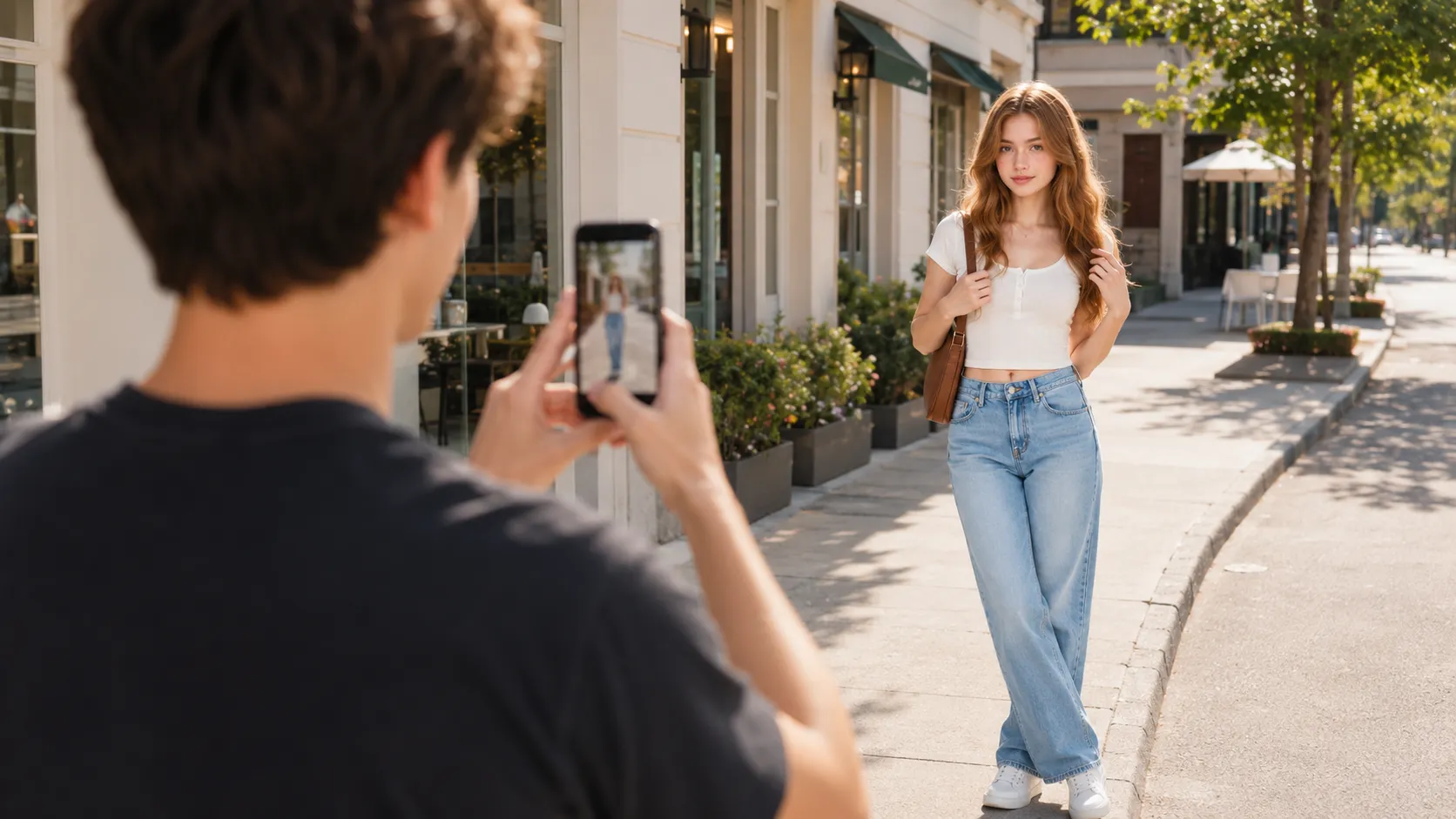
What to Check Before Taking a Photo
A practical pre-photo checklist for better phone shots, including subject, background, light, angles, hands, spacing, and frame edges.
By Pajoox Editorial Team · Jun 25, 2026
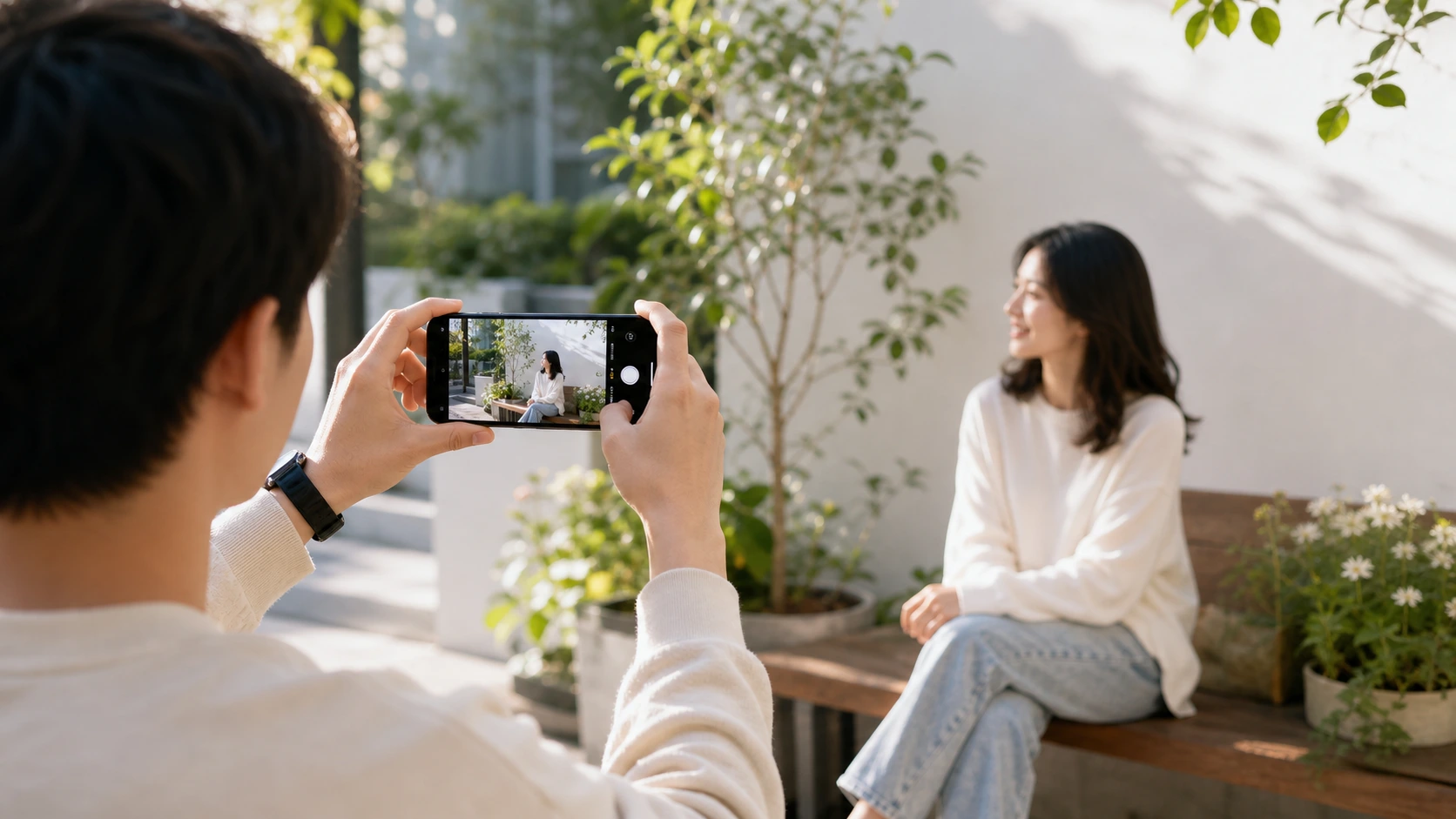
A better phone photo often starts before anyone presses the shutter. The difference may be a cleaner background, a more comfortable pose, a small camera angle change, or simply noticing that something distracting is sitting at the edge of the frame. A quick pre-photo check can save you from taking twenty versions that all feel slightly off.
1. What is the photo about?
Start with the subject. Is the photo about you, your outfit, a place, a group moment, a product on a table, or a small memory from the day? When the subject is clear, the rest of the photo becomes easier to plan.
If the photo is about a person, make sure the person is easy to see. If it is about a travel location, include enough of the background to show where you are. If it is about an outfit, keep the full look in frame or capture the details that matter.
2. Is the background helping or distracting?
Before posing, look behind the subject. A background does not need to be empty, but it should not compete with the main focus. Watch for bright signs, messy tables, poles near the head, random objects near the shoulders, or crowded areas that make the frame hard to read.
Sometimes the fix is simple: move one step left, turn toward a cleaner wall, change the camera height, or wait a few seconds for people to pass. Small background changes can make a casual phone photo feel much more intentional.
3. Is there enough light?
Phone cameras usually do better with soft, even light. Window light, open shade, and bright cloudy days can all work well. Harsh direct sunlight can create strong shadows, while very dim rooms can make photos less clear.
Try turning toward the light instead of standing with your face or subject in deep shadow. If the light is behind you, the background may look bright while the person looks dark. Moving a few steps can change the balance quickly.
4. Is the camera at the right height?
Camera height affects the mood of the photo. Eye-level framing often feels natural and balanced. A slightly higher camera can work for casual selfies. A lower camera can add drama for street or outfit photos, but it should still feel comfortable and not overly forced.
Before taking the photo, try raising or lowering the phone a little. You may not need a new pose. The same pose can look clearer with a better camera height.
5. Does the frame have breathing room?
Check the space around the subject. Are the feet cut off in a full-body photo? Is the top of the head too close to the edge? Is the face too close to the side of the frame? A little breathing room makes the photo feel calmer and easier to crop later.
For profile pictures, leave space around the head and shoulders. For travel photos, leave room for both the person and the place. For outfit photos, make sure shoes, sleeves, and key details are not accidentally cut out.
6. What are the hands doing?
Hands often create the most awkward feeling in a photo because they have no clear role. Give them a simple job. Hold a coffee, touch a bag strap, adjust a sleeve, rest one hand in a pocket, hold a phone naturally, or place a hand lightly on a railing.
The action should fit the scene. A small real action usually looks better than a pose that feels disconnected from the moment.
7. Is the pose comfortable?
If a pose feels tense, the photo may show that tension. Relax your shoulders, soften your knees, shift your weight, and avoid holding your breath. If you are sitting, angle your body slightly and keep your posture easy. If you are standing, turn a little instead of facing the camera completely flat.
Comfort does not mean every photo must be casual. It means the pose should be something you can hold naturally for a few seconds.
8. Where should the eyes look?
You do not always need to look directly at the camera. For a friendly profile picture, direct eye contact can work well. For a travel photo, looking toward the view may feel more natural. For a candid-style shot, looking slightly away from the lens can reduce pressure.
Try two versions: one looking at the camera and one looking away. This gives you more choices without changing the entire setup.
9. Are the edges clean?
Scan the edges of the screen before taking the photo. Edge distractions are easy to miss: a half-visible person, a trash bin, a bright object, a bag on the ground, or a random sign. These details can make the photo feel messy even when the pose is good.
Move the phone slightly, step closer, step back, or rotate the frame to remove distractions. This takes only a second.
10. Did you take a few variations?
Do not take ten identical photos. Take a few small variations. Change the angle, shift your weight, look away, smile softly, walk one step, sit down, or move closer to the background. Variation helps you find the frame that feels most natural.
How Pajoox can help
Pajoox helps you plan better shots with pose ideas, angle guidance, and composition prompts for everyday photo moments. If you are not sure what to check first, Pajoox can support you with AI-powered pose and angle guidance while keeping the focus on practical choices: where to stand, how to frame the shot, and what pose feels comfortable.
Before your next photo, remember the short version: subject, background, light, angle, spacing, hands, comfort, eyes, edges, and variations. Even checking two or three of these can make your phone photos feel cleaner, more natural, and more photo-worthy.