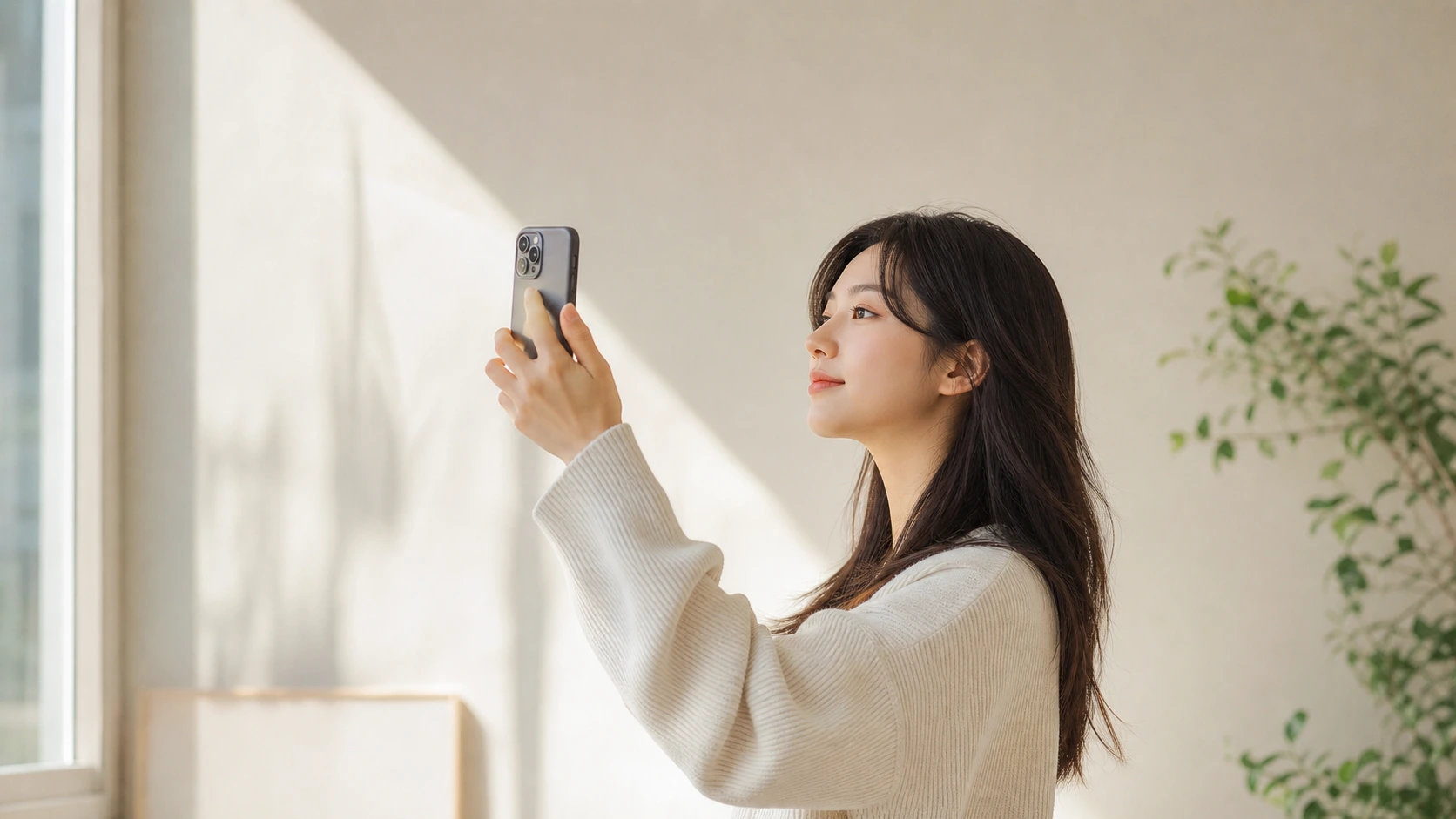
Profile Picture Tips for Looking Good on Camera
Practical profile picture tips for clear, approachable photos using simple angles, backgrounds, framing, expression, and phone setup.
By Pajoox Editorial Team · Jun 17, 2026
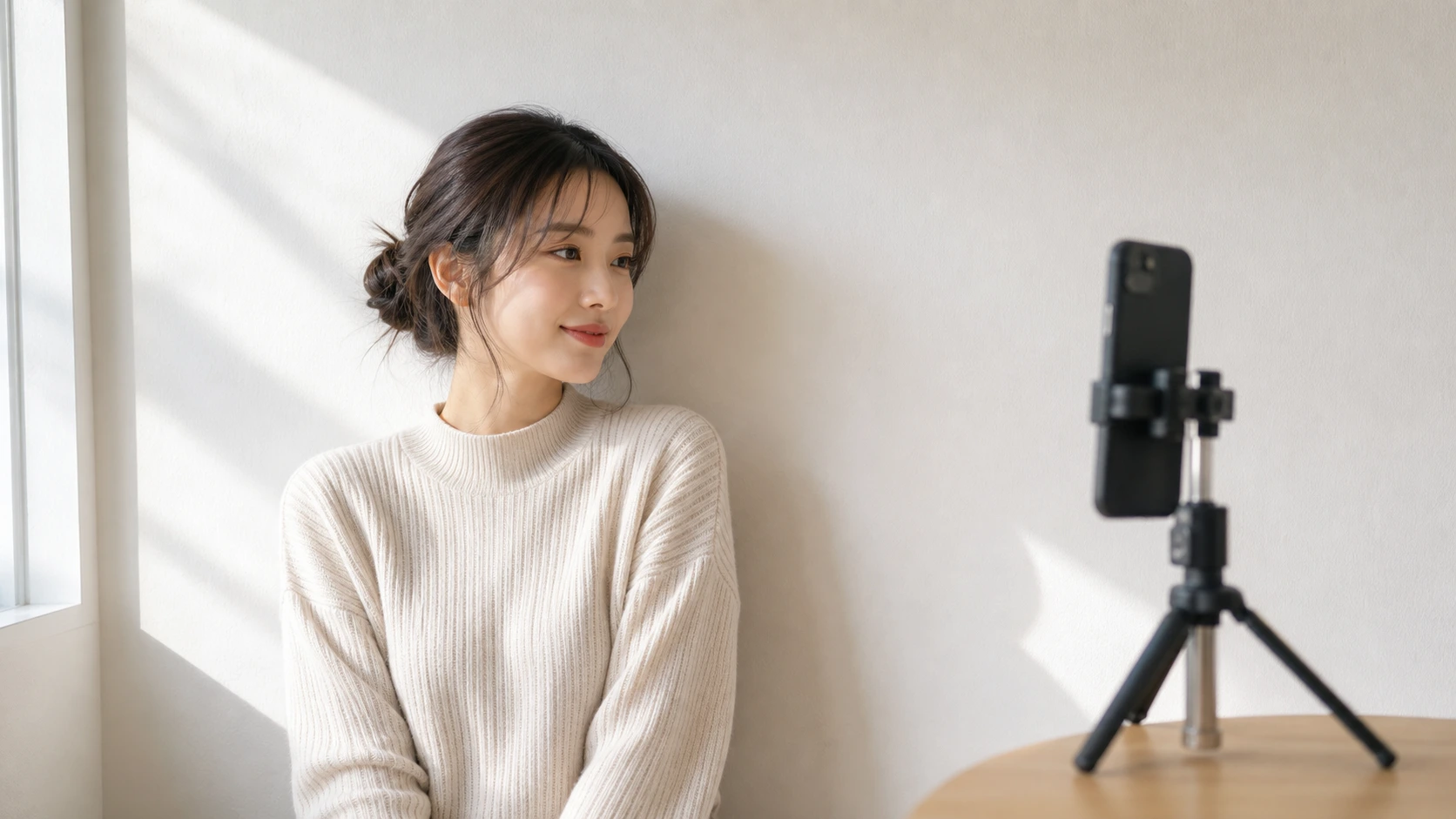
A good profile picture does not need to look formal or overly polished. It should feel clear, approachable, and true to the way you want to show up. Whether the photo is for a social profile, a creator page, a portfolio, or a casual account, small choices in angle, light, framing, and expression can make the image easier to use.
The goal is not to create one perfect version of yourself. It is to make a photo that feels comfortable, recognizable, and visually clean. With a phone and a simple setup, you can improve a profile picture before you ever think about editing.
Choose a clean background first
The background affects a profile picture more than most people expect. A busy background can pull attention away from your face and expression. A simple wall, window area, doorway, bookshelf, cafe corner, or outdoor wall can make the image easier to read.
You do not need an empty background. You only need one that supports the photo. Look for simple shapes, calm colors, and enough space around your head and shoulders. Before taking the picture, check if anything distracting appears behind you or near the edges of the frame.
Use soft, even light
Soft light helps a profile picture feel natural. Window light is often a good option. Stand near a window, but avoid harsh direct sunlight if it creates strong shadows. Outdoor shade can also work well, especially near a wall or building that reflects light softly.
Try turning slightly toward the light instead of placing it directly behind you. If the background is much brighter than your face, the camera may struggle to balance the image. A few small steps left, right, forward, or back can change the result quickly.
Keep the camera around eye level
Eye-level framing is a reliable starting point for profile pictures because it feels balanced and direct. Place the phone on a stable surface, tripod, or have someone hold it around eye level. If you are taking the photo yourself, a timer can help you avoid the rushed feeling of holding the phone too close.
You can also try a slightly higher angle for a softer casual look or a slightly lower angle for a stronger presence. Keep the changes small. A profile picture usually works best when the angle feels natural rather than dramatic.
Frame from the chest or shoulders up
Profile pictures are often shown as small circles or squares, so the framing should be clear. A chest-up or shoulders-up crop usually works well. It gives enough context for posture and clothing while keeping your face easy to see.
Leave some space above your head and around your shoulders. If the image will be cropped into a circle, avoid placing your face too close to the edge. A little breathing room makes the photo more flexible across different platforms.
Turn your shoulders slightly
Facing straight into the camera can look clean, but it may also feel stiff if you are not comfortable. Try turning your shoulders slightly to one side while keeping your face toward the camera. This small angle adds dimension and can make the pose feel more relaxed.
You can take three quick options: shoulders straight, shoulders turned left, and shoulders turned right. Compare which one feels most like you. The best choice is the one that matches the tone you want: friendly, calm, creative, professional, or casual.
Think about expression as a range
Many people freeze when trying to choose the right expression for a profile picture. Instead of holding one smile for many photos, move through a range. Try a soft smile, a relaxed neutral expression, a slightly bigger smile, and a looking-away version before returning to the lens.
This makes the process less tense and gives you more options. You may find that your favorite image is the moment between expressions, when your face feels more relaxed.
Give your hands a simple role
Most profile pictures focus on the face and upper body, but hands can still help the pose feel natural. You can hold a mug, lightly adjust a jacket, rest a hand out of frame, or keep both hands relaxed. Avoid forcing a gesture that does not match the setting.
If your hands make the photo feel busy, simplify. A profile picture does not need much action. The hands should support the image, not compete with your expression.
Match the photo to where it will appear
A profile picture for a casual social account can feel warm and spontaneous. A creator profile might benefit from more personality in the background. A work-related profile may need a cleaner frame and calmer expression. The same person can use different angles and compositions depending on the platform.
Before taking the photo, decide the feeling you want: approachable, calm, creative, confident, or relaxed. That decision will guide the background, clothing, framing, and expression more clearly than copying someone else's pose.
How Pajoox can help
Pajoox helps you plan profile pictures with practical pose, angle, and composition ideas. Instead of guessing where to stand or how to frame the shot, you can explore options that fit the photo you want. Pajoox uses AI-powered pose and angle guidance as support, while the main goal stays simple: helping you choose a clearer, more comfortable shot.
A better profile picture usually comes from a few thoughtful choices. Start with a clean background, use soft light, keep the camera around eye level, relax your shoulders, and take several expression options. You do not need a complicated setup to create a photo that feels usable and natural.