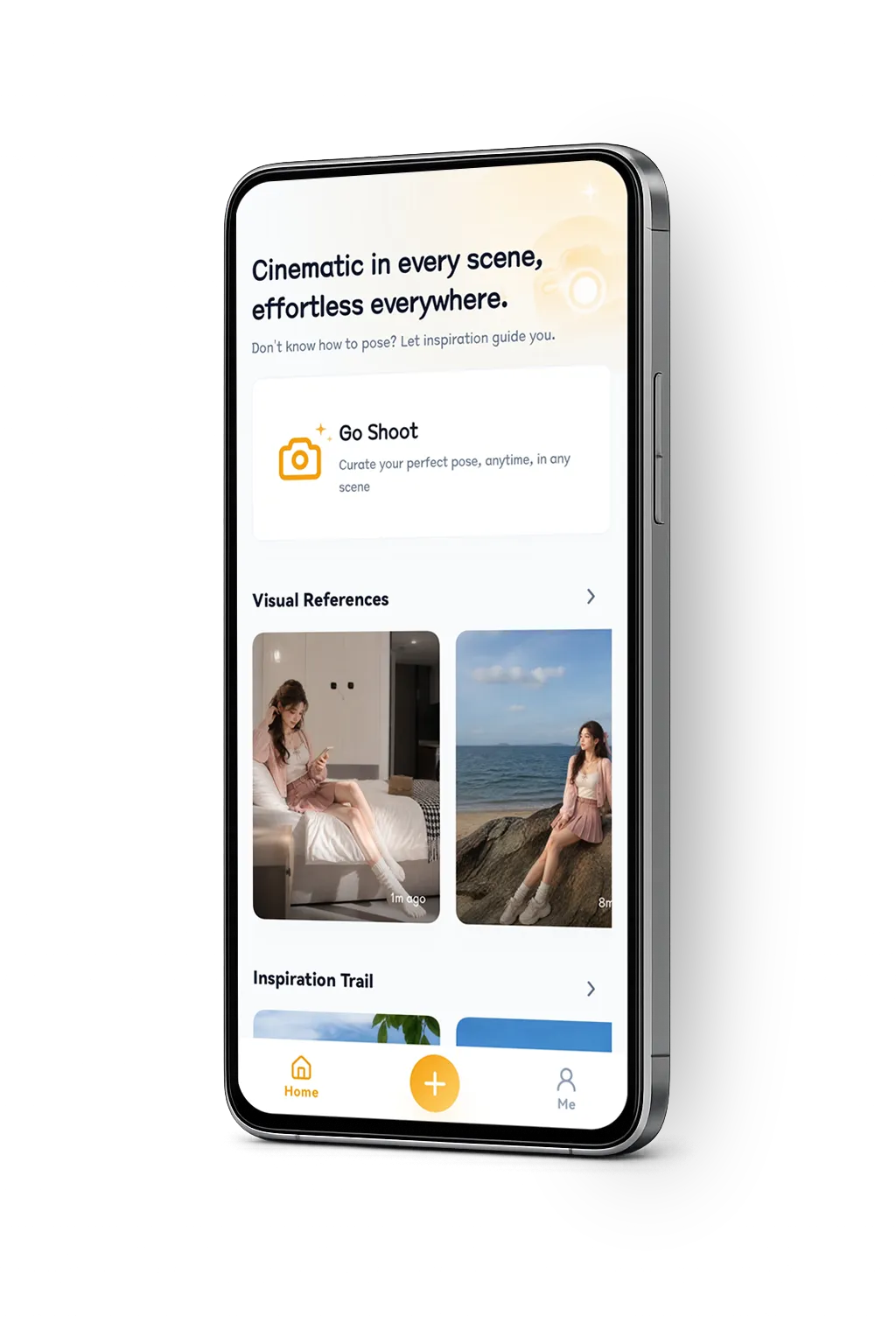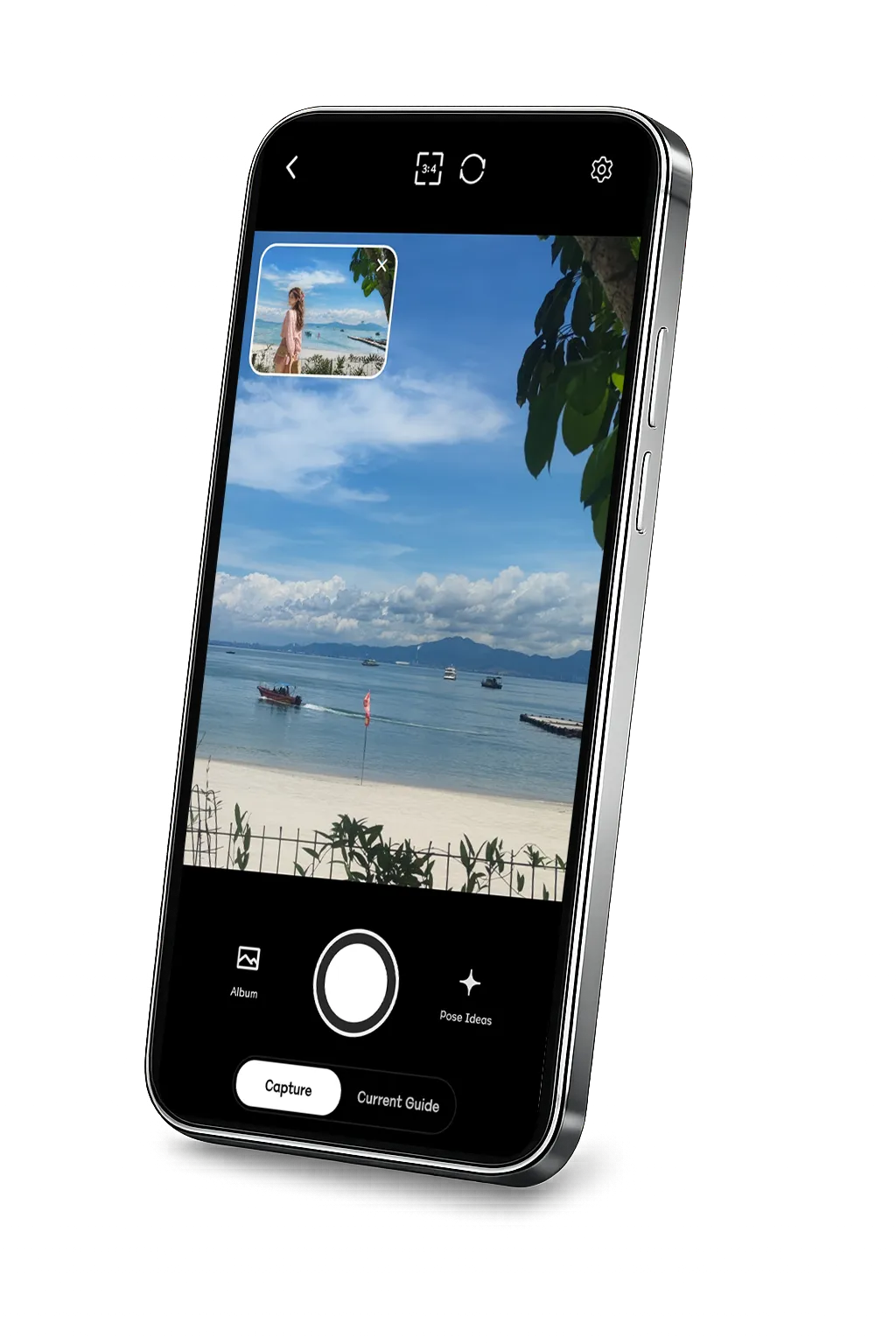

Not sure how to shoot? Let Pajoox look at the scene first

Based on the scene in front of you, Pajoox suggests natural pose ideas, phone angles, and composition tips, so you feel less unsure and have a clearer direction for a photo-worthy shot.

Not vague inspiration, but two results that help you start shooting

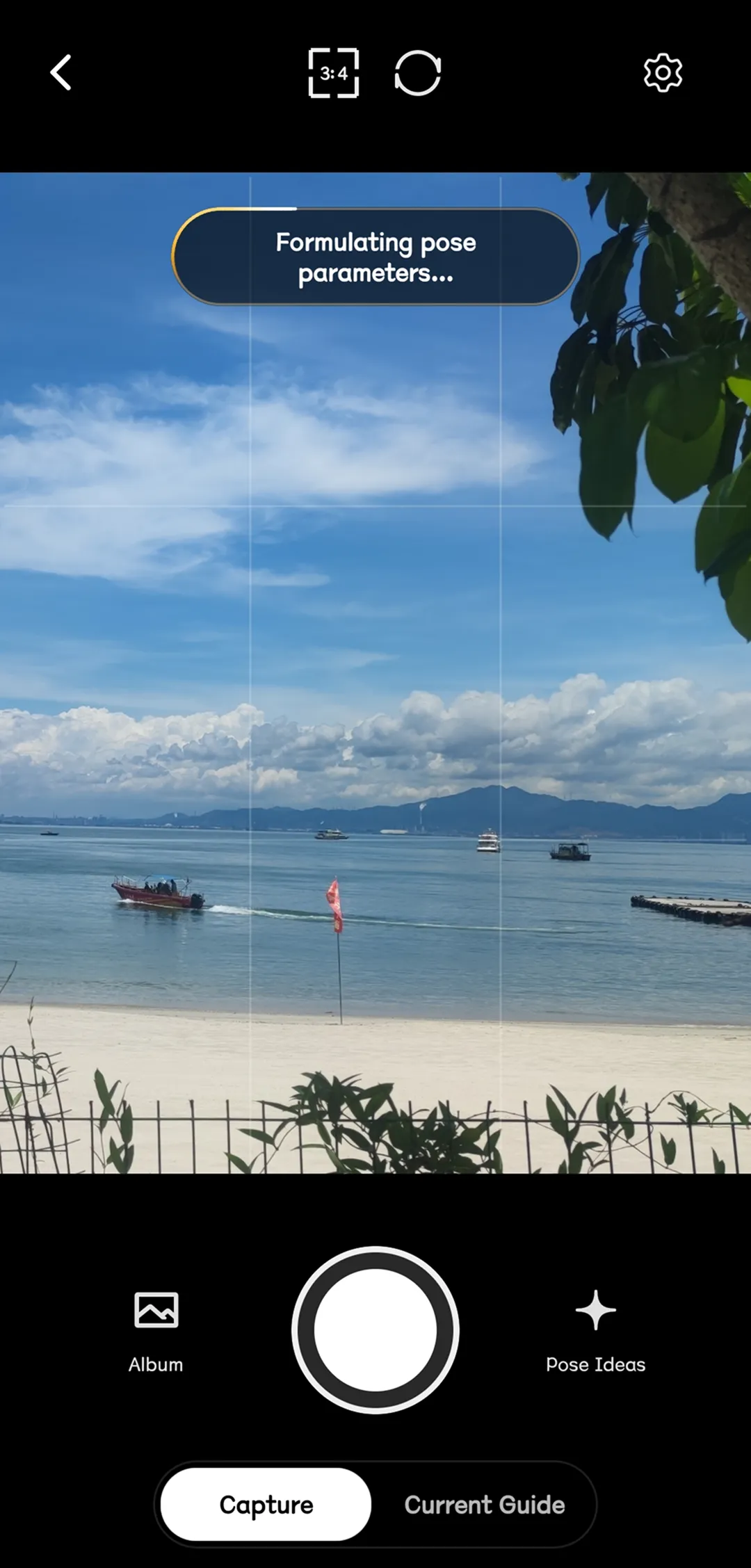
Pajoox analyzes the current scene and turns those pre-shoot moments of uncertainty into practical text guidance and a visual reference image.

Pose Ideas

Pose directions that fit the current scene Phone angle, distance, and height suggestions Composition ideas and subject placement Hand, shoulder, leg, gaze, and movement suggestions Scene cleanup and frame improvement tips The goal is not to make you learn photography terms. It is to help you know what to try for the next shot.

Pose Reference Image

How the pose and background can work together How the composition could look What mood fits the current scene What visual direction the shot may take The reference image does not replace the real photo. It gives you a clearer visual direction before you shoot.

A shot plan, not just “strike a pose”

Pajoox breaks the current scene into photo guidance you can actually try.

How to pose

Body direction Hand and shoulder placement Leg movement Gaze direction Expression and relaxed-looking tips

How to shoot

Phone height Phone distance Shooting angle Portrait or landscape framing Lens suggestions

Why it works

Why the current light works for this shot Why the background structure fits this composition Why the pose matches the mood of the scene What may make the frame look messy, and how to clean it up

The point is to help you understand where to stand, how to hold the phone, and how to pose your body.

Reference images make the shot plan easier to follow

If you do not want to rely on text alone, Pajoox can also generate a reference image based on the pose plan, so you can quickly understand the possible look before shooting.

Overall look

See the general feeling of the pose first, then decide whether you want to try it yourself.

Subject and background

Understand how the person and background can work together instead of feeling disconnected.

Composition layout

See how subject placement, background structure, and visual weight can come together in the frame.

Mood direction

Decide whether the current scene works better as natural, relaxed, travel-like, or everyday lifestyle.

It is a reference image before you shoot, not the final photo and not a replacement for real photography.

From seeing a scene to taking a real photo

Use Pajoox to understand the current scene first, then shoot with clearer pose, angle, and composition direction.

Made for real photo moments

When the scene looks good but you are not sure what to do next, Pajoox can give you a few clear directions to try.

Travel

Turn streets, landmarks, beaches, and city corners into clearer compositions.

Dates

Get more natural standing positions and interaction ideas, so two-person photos feel less stiff.

Everyday photos

Turn ordinary scenes into photo moments with a clearer direction.

Selfies

Find more natural angles, expressions, and poses, so facing the camera feels less awkward.

Group photos

Find natural positions, interactions, and frame balance for friends, couples, or small groups.

Outfits

Use posture, distance, and framing to show the full look more clearly.

Download the Pajoox Android App

Analyze the current scene in the Android app and get pose ideas, composition guidance, and a reference image before you shoot.

Free Android download