Selfie Pose Ideas That Look Natural and Relaxed

Try natural selfie pose ideas using camera distance, shoulder angles, simple hand actions, timers, and background choices.

By Pajoox Editorial Team · Jun 19, 2026

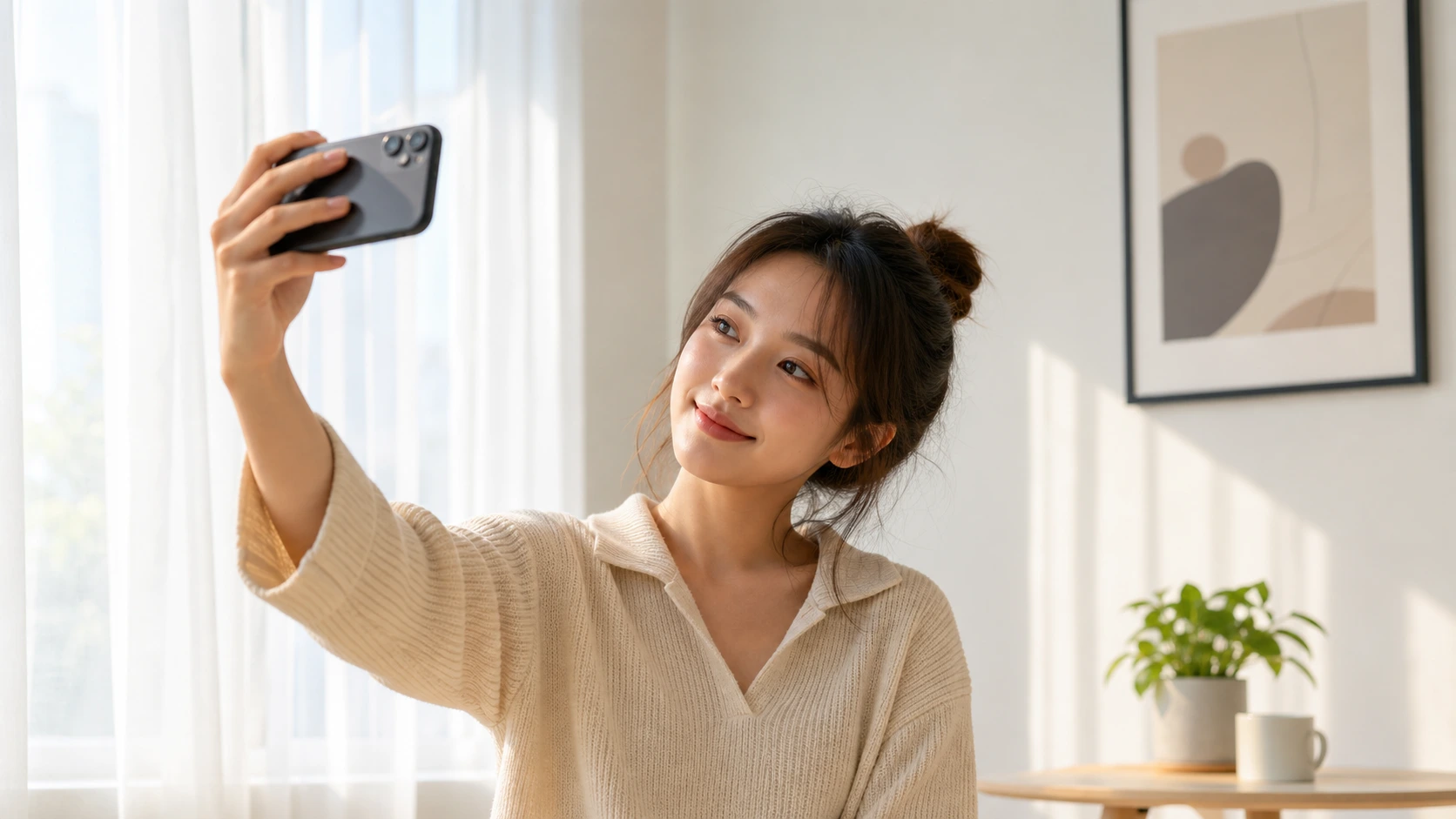
A natural-looking selfie is not about pretending the camera is not there. It is about creating a photo that feels relaxed, clear, and easy to recognize as you. The pose does not need to be dramatic. In many cases, the best selfie comes from small choices: where you hold the phone, what your hands are doing, how your shoulders sit, and whether your expression feels forced or comfortable.

If you usually take many selfies and still feel unsure which one to use, these ideas can help you create more variety without making the photo feel overly staged. Try one idea at a time and keep the ones that match your personality.

Hold the camera slightly away from your face

A selfie taken too close can feel intense because the camera has very little space to show your surroundings. Try moving the phone slightly farther away, even if that means using a timer or placing the phone on a stable surface. A little distance gives the image more breathing room and can make the pose feel calmer.

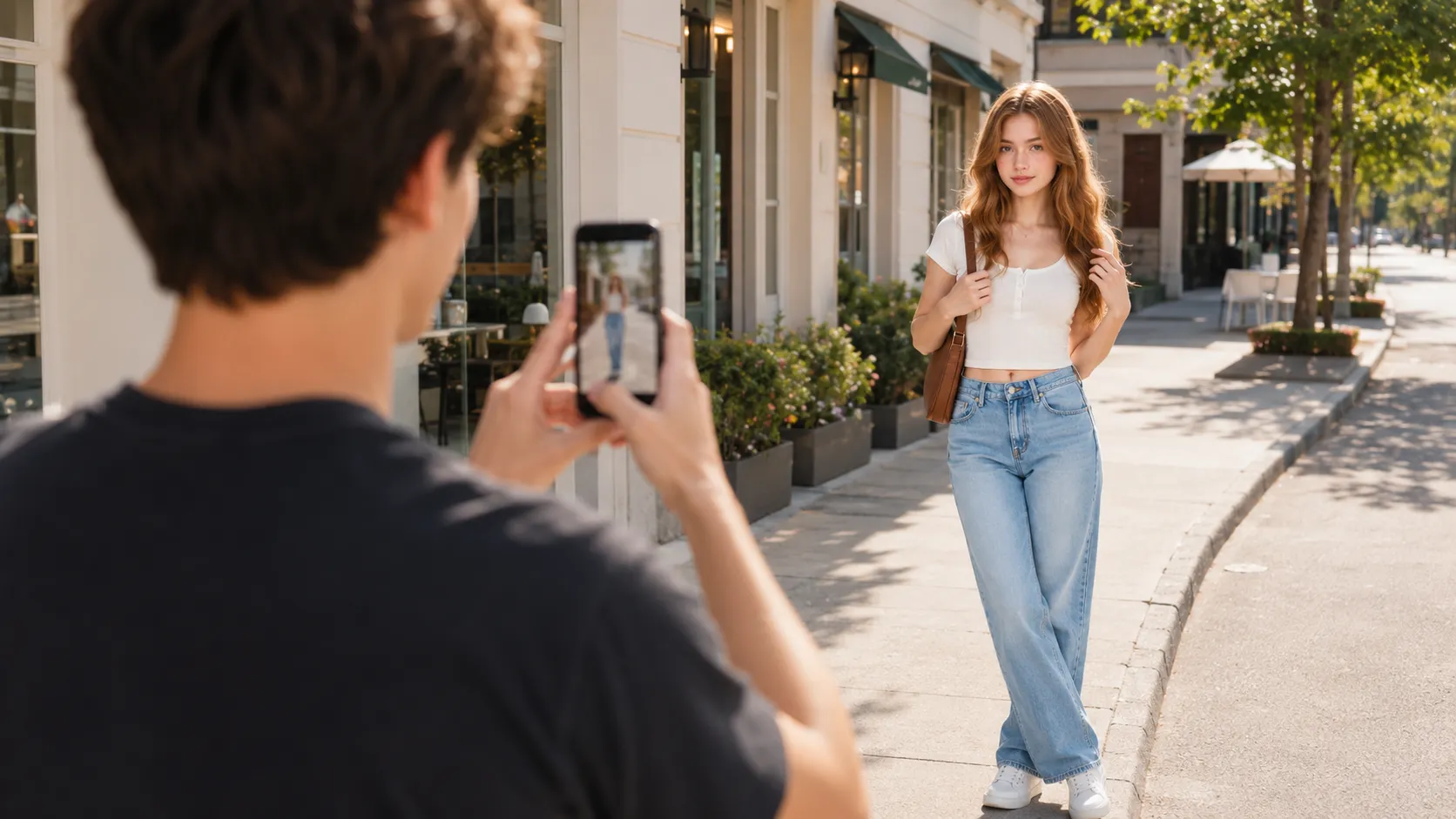
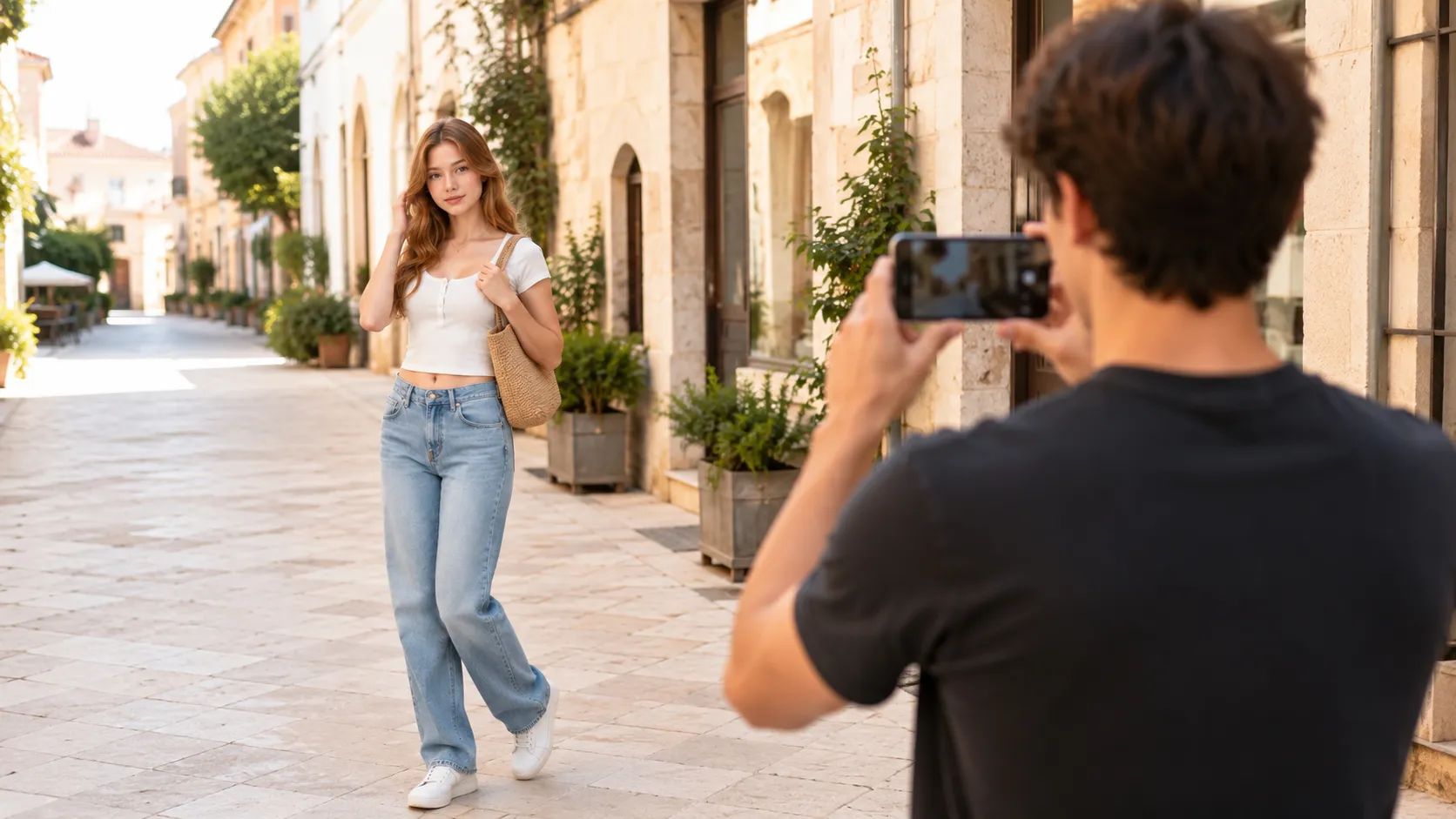
You can frame from the shoulders up, chest up, or waist up depending on the setting. A wider selfie works well when your background matters, such as a cafe, a city street, a mirror, or a travel view.

Keep your shoulders soft

Shoulders can quietly change the feeling of a selfie. When you are concentrating, they may rise or tense without you noticing. Before taking the shot, breathe out and let your shoulders drop. You can angle one shoulder slightly closer to the camera or turn your body a little instead of facing the phone straight on.

This small adjustment helps the photo feel less rigid. It also gives your pose a natural direction, especially when your face remains close to the center of the frame.

Try the half-turn selfie

Instead of holding the phone straight in front of you, turn your body slightly away and bring your face back toward the camera. This creates a simple sense of movement. It is useful when you want a selfie that feels more like a quick portrait than a plain front-facing shot.

Keep the turn gentle. You do not need a dramatic twist. If you are sitting, angle your chair or body a little. If you are standing, place one foot slightly to the side and let your shoulders follow.

Give your free hand something natural to do

Your free hand can make a selfie feel more complete. You can lightly touch a jacket collar, hold a drink, adjust sunglasses, tuck hair behind an ear, hold a bag strap, or rest your hand near your cheek without pressing into your face. Choose an action that fits what you are already doing.

The key is to avoid making the hand feel like a separate pose. It should look connected to the moment. If it feels awkward, drop it and try a different idea. Natural photos usually come from comfortable actions, not from forcing a shape.

Look slightly away from the lens

Looking into the lens can create connection, but it is not the only option. Try looking just beside the camera, down toward your phone screen, or out toward something in the environment. A looking-away selfie can feel thoughtful, casual, or candid.

You can also take two versions: one looking at the lens and one looking away. The difference may be small, but it gives you more choices later. This is especially helpful when you are not sure what expression to hold.

Use a timer for a calmer pose

The arm-out selfie is convenient, but it can make your pose feel rushed. Using a timer gives you a few seconds to settle into the frame. Place your phone on a stable surface, check the composition, start the timer, and step into position.

With a timer, you can use both hands naturally. You might hold a coffee cup, lean on a table, place one hand in a pocket, or sit near a window. The result can still be a selfie, but it often feels more relaxed because you are not managing the phone and the pose at the same time.

Keep the background simple

A natural selfie does not need an empty background, but it should have a background that supports the photo. Look for clean walls, soft window light, cafe corners, mirrors without too much clutter, or outdoor spaces with simple lines.

Before taking the photo, check the edges of the frame. Is anything distracting close to your head or shoulder? Can you move the phone slightly higher, lower, left, or right? A small framing change can make the selfie feel more polished without changing your appearance.

Make several small variations

Instead of taking ten versions of the exact same selfie, make small changes between frames. Try a slight face turn, a softer shoulder angle, a looking-away version, a half-smile, a more neutral expression, and one frame with your free hand doing something. These variations give you real options.

You may discover that the photo you like most is not the most posed one. It might be the frame where your expression relaxed between attempts. That is why movement and small changes are helpful.

How Pajoox can help

Pajoox is designed to make pose ideas easier to find when you are already in front of the camera. For selfies, Pajoox can help you explore natural pose prompts, angle ideas, and simple composition choices. Its AI-powered pose and angle guidance supports the process, but the goal is practical: helping you feel less stuck and giving you a clearer idea for the next shot.

Try starting your next selfie with one simple question: what can I change besides my expression? The answer might be camera distance, shoulder angle, background, hand placement, or where you look. Small choices can make a selfie feel much more natural.

Related articles

Everyday PhotosJun 19, 2026

What to Check Before Taking a Photo

A practical pre-photo checklist for better phone shots, including subject, background, light, angles, hands, spacing, and frame edges.

Pose IdeasJun 19, 2026

Pose Ideas for Profile Pictures That Look Natural

Natural profile picture pose ideas for social avatars, creator pages, and casual profiles using simple angles, framing, and expression.

Product GuideJun 19, 2026

How Pajoox Helps You Find Better Pose Ideas

Learn how Pajoox helps you move from feeling stuck to choosing practical pose ideas, angles, and composition for better phone photos.

Ready to plan your next shot?

Explore pose ideas, angles, and composition guidance designed to help everyday photos look better.